My Perfect Hotel PC
Build, manage, and grow your dream resort in My Perfect Hotel PC the ultimate time management game with stunning graphics and smooth PC controls!
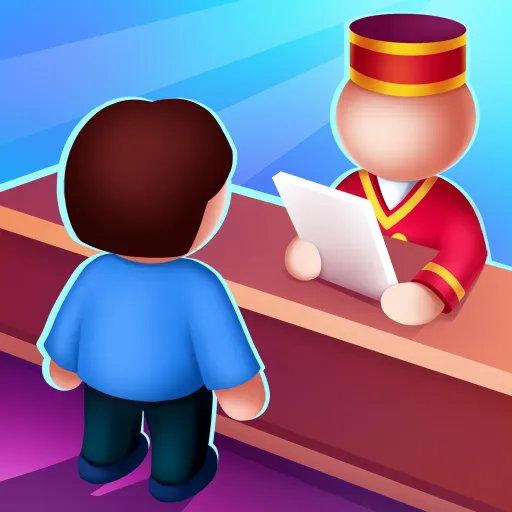
Welcome to the world of My Perfect Hotel PC, a fun, fast-paced, and highly addictive time management simulation game that lets you experience the thrill of running your very own hotel empire. Developed by Say Games Ltd, the creators behind several viral mobile hits, this game has quickly risen to the top of app store charts, amassing over 50 million downloads worldwide. Players love its simple yet strategic gameplay where every click, every upgrade, and every guest interaction brings you closer to creating the ultimate hotel paradise.
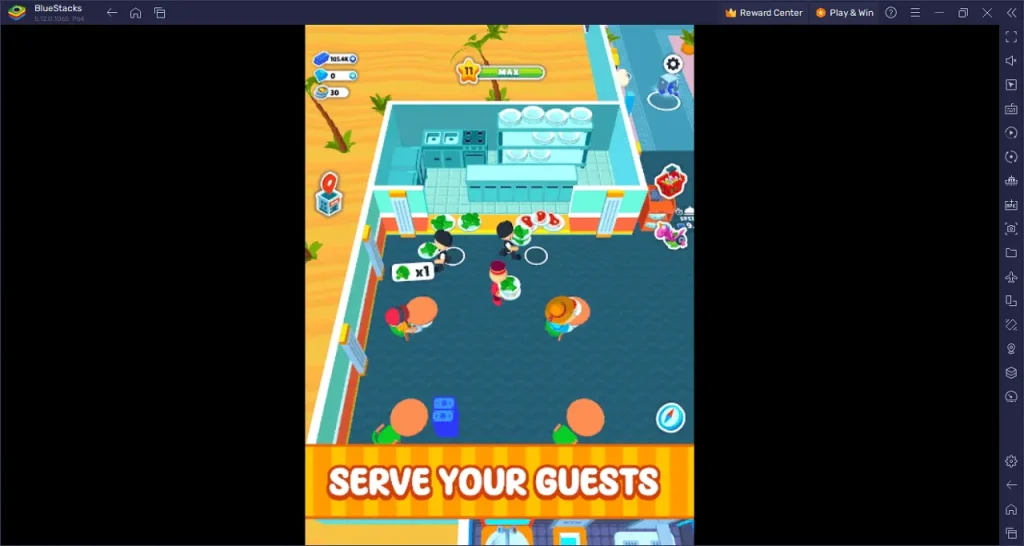
In My Perfect Hotel, you begin with a small, modest inn and a dream of expansion. As the manager, your job is to clean rooms, check in guests, hire staff, and upgrade facilities to improve customer satisfaction and increase profits. The gameplay perfectly blends strategy, speed, and creativity, making every level feel rewarding and engaging. The PC version enhances these mechanics even further with crisper visuals, smoother performance, and better control precision, giving you an immersive experience like never before.
Whether you’re a fan of simulation games, business management, or simply enjoy relaxing time-based challenges, My Perfect Hotel PC delivers endless hours of entertainment. Managing rooms, expanding your property, and seeing your profits soar feels incredibly satisfying. So why wait? Dive into this colorful hotel management world today download My Perfect Hotel PC and start building your hospitality empire one satisfied guest at a time! The journey from a small roadside inn to a luxurious global resort awaits you and your perfect hotel story starts right here.
Features
Dynamic Hotel Management Gameplay
My Perfect Hotel PC offers an immersive experience where you play as both the owner and manager. From greeting guests at reception to ensuring rooms are spotless, every action impacts your success. The constant flow of guests keeps you engaged, testing your time management and multitasking skills.
Seamless Time Management Mechanics
The heart of the game lies in efficiency. You must balance cleaning, upgrades, and guest satisfaction while ensuring no task is neglected. As your hotel grows, tasks multiply making quick decisions and proper timing crucial to progress and profit.
Expansive Hotel Upgrades
In My Perfect Hotel PC version, growth is key. You can expand from a cozy roadside inn to a multi-floor luxury resort. Unlock new floors, lavish suites, restaurants, and swimming pools to attract VIP guests and boost your earnings.
Staff Hiring and Training
You can’t build a perfect hotel alone. Hire cleaners, receptionists, and chefs to handle tasks more efficiently. Train and upgrade your staff to speed up services and keep your guests happier, which in turn boosts your hotel rating and revenue.
Offline Income and Progress
Even when you’re away, your hotel keeps earning! This idle income feature ensures your progress continues, rewarding you for your previous efforts. When you return, you can reinvest profits into new upgrades or staff improvements.
Colorful Graphics and Smooth Animations
My Perfect Hotel PC shines with enhanced graphics and fluid animations. Every detail from guest movements to furniture upgrades feels polished. The PC version especially benefits from higher resolution and smooth frame rates, enhancing visual immersion.
Simple and Intuitive Controls
Managing your hotel has never been easier. On PC, you can use your mouse and keyboard to quickly move between areas, perform tasks, and interact with guests. This setup eliminates the limitations of touch controls and improves gameplay precision.
Unlockable Maps and Locations
Travel the world as you expand your hospitality empire. Each new location comes with unique themes, challenges, and aesthetic designs from tropical resorts to snowy mountain lodges. This variety keeps gameplay fresh and exciting.
Regular Updates and Special Events
The developers at SayGames Ltd frequently introduce seasonal events, challenges, and new content to keep players engaged. These updates add new gameplay elements, cosmetics, and goals to aim for, ensuring long-term replayability.
Cross-Platform Syncing
Whether you’re playing on mobile or PC, your progress is safe. Log in with the same account to sync your data across platforms, allowing you to switch devices without losing any progress perfect for players who like to manage their hotel anywhere, anytime.
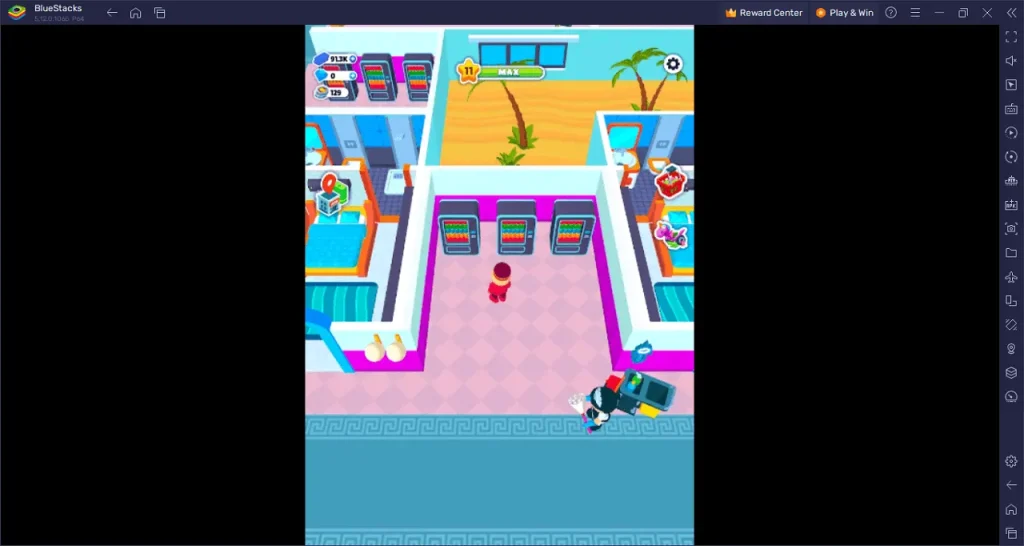
How to Download My Perfect Hotel on PC?
- Click the Download button on this page to safely get the latest PC build.
- Choose your platform (Windows recommended; Mac/Linux may also be available if listed).
- When prompted, Save the file to an easy location (e.g., Downloads or Desktop).
- If the file is a .zip (or .rar), right-click it and select Extract All… to a new folder.
- Open the extracted folder and double-click
My Perfect Hotel PC.exeto launch. - If Windows SmartScreen appears, click More info → Run anyway (only proceed if you downloaded from the button on this page).
- Optional: right-click the .exe and choose Create shortcut to pin it to Start/Desktop.
- In Options/Settings, set fullscreen/windowed, audio levels, and keybinds (WASD/Arrows).
System Requirements
| Specification | Minimum Requirements | Recommended Requirements |
|---|---|---|
| OS | Windows 7/8/10 (64-bit) | Windows 10/11 (64-bit) |
| Processor | Intel or AMD Dual-Core CPU | Intel i5 or Ryzen 5 and above |
| RAM | 4 GB | 8 GB or higher |
| Graphics | Intel HD Graphics 620 / NVIDIA GeForce 710 | NVIDIA GTX 1050 or higher |
| Storage | 2 GB free space | 4 GB free space |
| Emulator Required | BlueStacks / NoxPlayer / LDPlayer | BlueStacks (latest version) |
| Internet Connection | Required for updates and sync | Stable broadband recommended |
How to Play My Perfect Hotel on PC?
Playing My Perfect Hotel PC is simple yet highly engaging. Once you launch the game, you’ll start as the owner of a small motel with limited facilities. Your mission is to welcome guests, assign rooms, clean up after checkouts, and collect payments all while ensuring guest satisfaction remains high. As you earn more profits, you can expand your hotel by upgrading rooms, hiring staff, and adding premium amenities like restaurants, spas, and swimming pools.
On PC, the experience becomes smoother and faster. You can use your mouse and keyboard to perform tasks with precision clicking to interact, upgrading faster, and managing multiple areas efficiently. The larger screen and improved graphics make it easier to track guest activity and employee performance. Keep your staff organized, respond quickly to customer needs, and strategically reinvest profits to turn your humble motel into a global hotel chain.
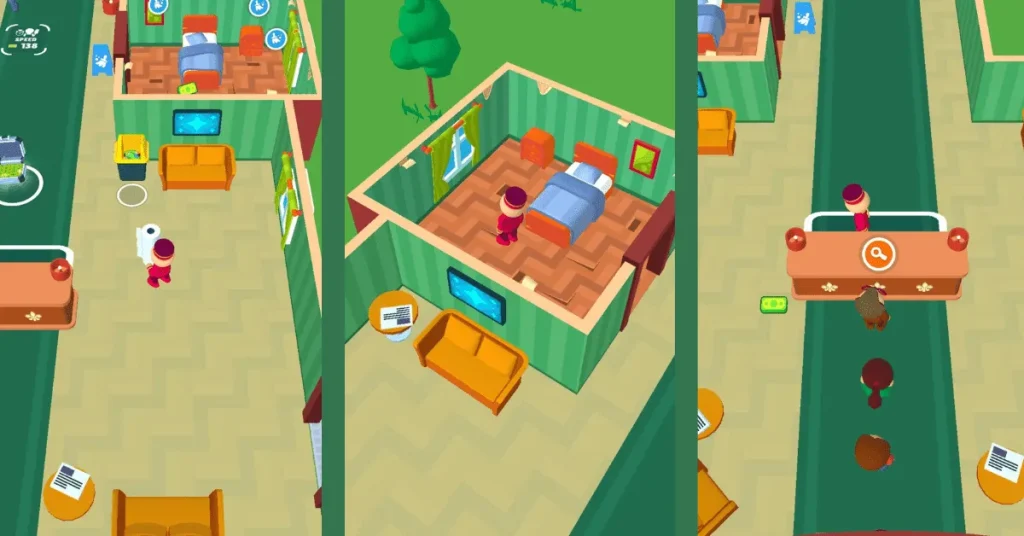
Why Play My Perfect Hotel on PC?
Playing My Perfect Hotel on PC offers a far superior experience compared to mobile. The PC version enhances every visual element, letting you enjoy sharper graphics, smoother performance, and faster load times on a bigger screen. The details of your bustling hotel from the polished floors to happy guests truly come alive in high resolution. Moreover, using a keyboard and mouse gives you precise control, allowing for quicker actions and more efficient management of tasks and staff.
Beyond visuals and control, the PC platform removes the limitations of mobile gaming. There’s no battery drain, no overheating, and you can easily multitask while your hotel continues to earn profits in the background. The added benefit of cross-platform progress syncing ensures you can seamlessly switch between your phone and computer without losing any achievements. For players seeking a smoother, more immersive management experience, My Perfect Hotel PC is the ultimate way to play.
FAQs
Can I play My Perfect Hotel on PC for free?
Yes! You can play My Perfect Hotel on PC for free using an Android emulator like BlueStacks or NoxPlayer. Simply download the game through the emulator’s Google Play Store and enjoy full access to all features without paying a dime. Optional in-app purchases are available for those who want to speed up progress or unlock premium content.
Is My Perfect Hotel PC the same as the mobile version?
The core gameplay remains the same, but the PC version offers significant improvements. Players enjoy enhanced graphics, faster load times, smoother performance, and easier controls with a mouse and keyboard all while maintaining access to the same content and updates.
Do I need an internet connection to play My Perfect Hotel on PC?
You’ll need an internet connection to download and install the game, as well as to sync your progress across devices. However, once installed, you can enjoy offline gameplay perfect for those who want to keep earning while traveling or working offline.
Can I transfer my mobile progress to the PC version?
Yes, you can! Simply log into the same account (Google Play or Facebook) on your PC emulator. This enables cross-platform progress syncing, ensuring you can switch between mobile and desktop without losing your hard-earned progress.
What kind of game is My Perfect Hotel?
My Perfect Hotel PC is a time management simulation game developed by SayGames Ltd. It challenges you to build, upgrade, and manage a growing hotel empire by balancing speed, strategy, and customer satisfaction a perfect blend of fun and challenge for all types of players.
Conclusion
My Perfect Hotel PC offers a refreshing, strategic, and visually appealing experience for anyone who loves management games. With improved graphics, faster performance, and intuitive controls, the PC version takes this popular mobile title to the next level. Don’t wait click the Download button on this page to start building your dream hotel empire today. Your journey to creating the world’s most perfect hotel begins now!on this page to start your journey and build your perfect hotel today!