Kingdom Hearts PC
Download Kingdom Hearts PC and join Sora, Donald, and Goofy on an epic Disney adventure. Enjoy HD graphics, smooth gameplay, and magical worlds on your computer!
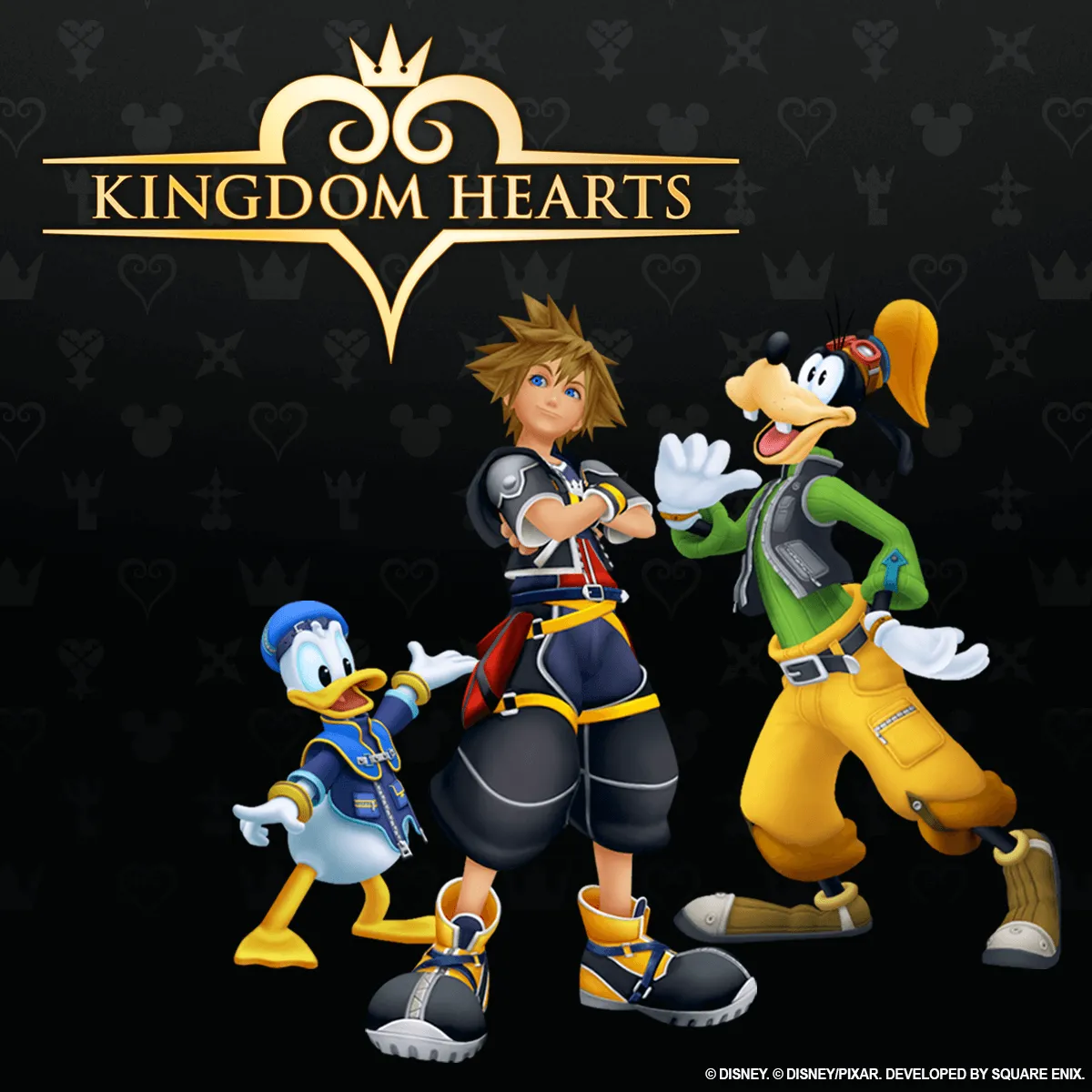
When Kingdom Hearts first released in 2002, few could have predicted that this ambitious crossover between Disney and Square Enix would evolve into one of gaming’s most beloved franchises. Blending classic Disney storytelling with the fantasy depth of Final Fantasy, it created a universe that’s both nostalgic and emotionally rich. With over 36 million copies sold worldwide, Kingdom Hearts has left an indelible mark on the RPG genre and now, thanks to the Kingdom Hearts PC version, that magic is finally available to experience on modern computers.
Developed by Square Enix under the visionary direction of Tetsuya Nomura, Kingdom Hearts PC is more than a simple port it’s a gateway to the complete saga. Players can follow Sora, alongside Donald Duck and Goofy, as they journey through enchanted Disney worlds to stop the darkness threatening the universe. The gameplay combines real-time combat, strategic magic casting, and exploration, delivering a seamless mix of action and role-playing that’s both accessible and deeply rewarding. Whether battling Heartless or soaring through iconic locations like Agrabah, Twilight Town, or Destiny Islands, the experience feels both epic and heartfelt.
With the arrival of Kingdom Hearts on PC, the franchise has entered a new era. Enhanced visuals, smoother performance, and mod support give players even more control over their adventure. Whether you’re a lifelong fan or a newcomer eager to understand why this series became a cultural phenomenon, now’s the perfect time to download Kingdom Hearts for PC and relive the unforgettable journey that continues to capture the hearts of millions worldwide.
Features
Complete Saga in One Collection
The Kingdom Hearts PC version brings together nearly the entire series in one place. From the original Kingdom Hearts and Chain of Memories to Kingdom Hearts II, Birth by Sleep, and Kingdom Hearts III + Re Mind, this is the ultimate collection. You can experience Sora’s full journey from start to finish without switching consoles a dream come true for both newcomers and longtime fans.
Breathtaking Visuals and HD Remastering
Every title in Kingdom Hearts PC has been remastered for modern hardware. Expect crisp high-definition visuals, enhanced lighting, and improved textures that breathe new life into classic Disney worlds. Whether you’re exploring Olympus Coliseum or traversing Twilight Town, every frame bursts with color and magic.
Seamless Real-Time Combat System
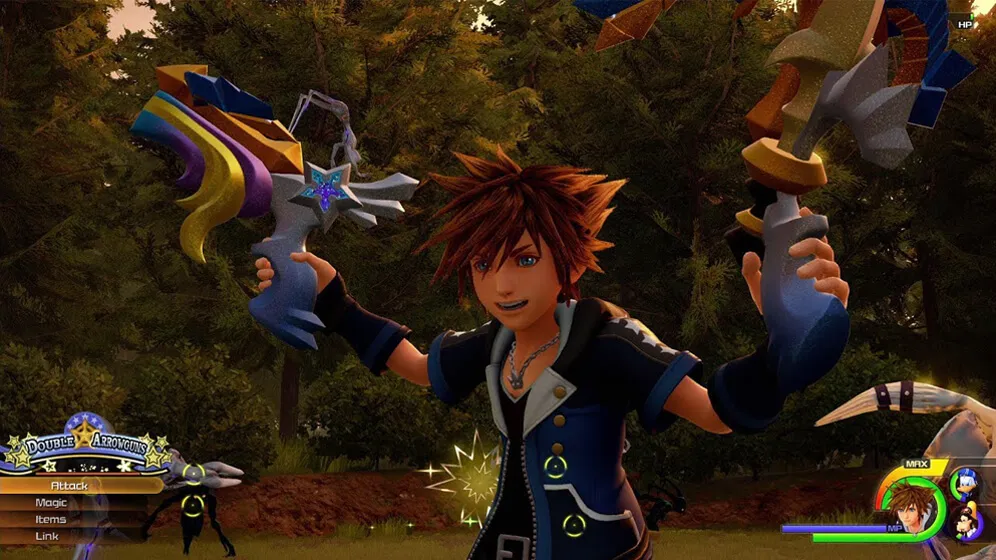
Unlike traditional turn-based RPGs, Kingdom Hearts on PC offers fast-paced real-time action. Players can chain melee combos, cast magic, summon allies, and switch Keyblades mid-battle. This engaging combat system rewards skill and timing, ensuring every fight feels fluid and exhilarating.
Epic Disney and Final Fantasy Crossover
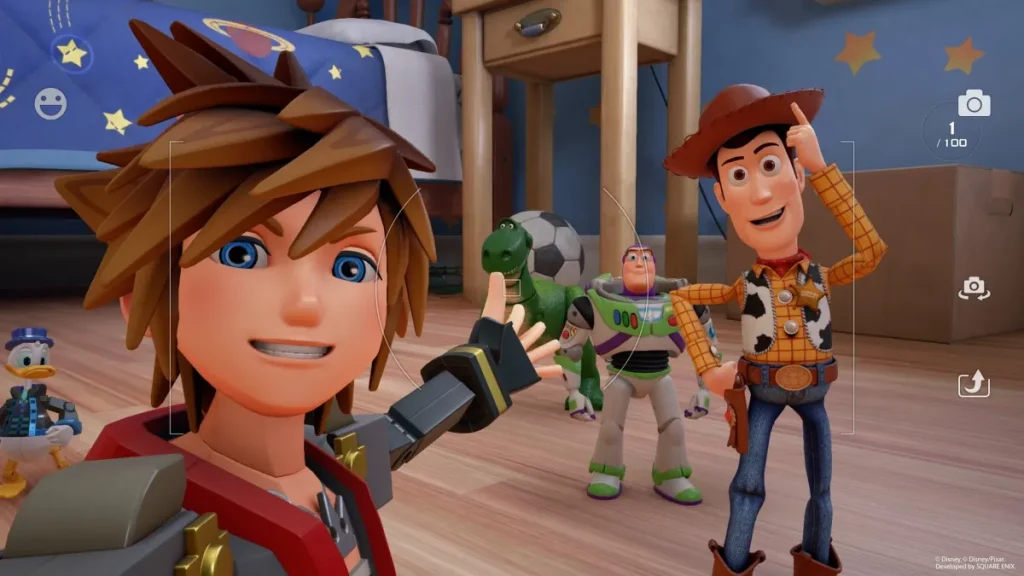
What sets Kingdom Hearts PC apart is its unprecedented crossover. You’ll team up with Disney legends like Goofy, Donald, Mulan, and Jack Sparrow, while encountering iconic Final Fantasy characters such as Cloud, Sephiroth, and Squall. The blend of universes adds nostalgia and wonder to every encounter.
Heartfelt Storyline and Emotional Depth
Behind its colorful worlds lies a tale about friendship, courage, and the eternal battle between light and darkness. As Sora, you’ll forge unforgettable bonds and face heartbreaking choices. This emotional storytelling is what made Kingdom Hearts a global phenomenon and one of Square Enix’s most celebrated series.
Customizable Gameplay Experience
The PC version of Kingdom Hearts offers unprecedented flexibility. Players can tailor controls, difficulty settings, and graphic options to suit their preferences. Whether you use a keyboard and mouse or a controller, every setup feels intuitive and responsive.
Improved Performance and Frame Rates
Thanks to modern optimization, Kingdom Hearts on PC runs smoother than ever. Enjoy up to 120 FPS support, faster loading times, and stability that far surpasses previous console versions. These enhancements make every battle and cinematic feel immersive and seamless.
Iconic Soundtrack by Yoko Shimomura
The soul of Kingdom Hearts lies in its unforgettable music. From the emotional “Dearly Beloved” to Utada Hikaru’s chart-topping theme “Simple and Clean,” the PC version lets players appreciate every orchestral note in crystal-clear quality.
Modding and Community Creativity
The Kingdom Hearts PC version has sparked a passionate modding community. Fans have created custom Keyblades, character skins, visual overhauls, and gameplay tweaks. This creative freedom keeps the series fresh and endlessly replayable.
Endless Replayability and Bonus Challenges
Between multiple difficulty levels, secret bosses, collectible treasures, and post-game content, Kingdom Hearts PC offers dozens of hours of replay value. Completionists can challenge themselves with Proud or Critical modes, unlocking hidden endings and powerful Keyblades for the ultimate adventure.
How to Download Kingdom Hearts on PC?
- Click the Download button on this page to safely get the latest PC build.
- Choose your platform (Windows recommended; Mac/Linux may also be available if listed).
- When prompted, Save the file to an easy location (e.g., Downloads or Desktop).
- If the file is a .zip (or .rar), right-click it and select Extract All… to a new folder.
- Open the extracted folder and double-click
Kingdom Hearts PC.exeto launch. - If Windows SmartScreen appears, click More info → Run anyway (only proceed if you downloaded from the button on this page).
- Optional: right-click the .exe and choose Create shortcut to pin it to Start/Desktop.
- In Options/Settings, set fullscreen/windowed, audio levels, and keybinds (WASD/Arrows).
System Requirements
| Category | Minimum Requirements | Recommended Requirements |
|---|---|---|
| Operating System | Windows 10 (64-bit) | Windows 11 (64-bit) |
| Processor (CPU) | Intel Core i5 / AMD Ryzen 5 equivalent | Intel Core i7 / AMD Ryzen 7 |
| Memory (RAM) | 8 GB | 16 GB |
| Graphics (GPU) | NVIDIA GeForce GTX 960 / AMD R9 380 | NVIDIA RTX 2060 / AMD RX 5600 |
| Storage | 35 GB free space | 40 GB SSD recommended |
| DirectX | Version 11 | Version 12 |
How to Play Kingdom Hearts on PC?
Playing Kingdom Hearts on PC is a magical experience that combines the thrill of action RPG gameplay with the emotional depth of Disney storytelling. Once you’ve installed the game, launch it and select your preferred title from the collection (such as Kingdom Hearts Final Mix or Kingdom Hearts III + Re Mind). You can choose between using a keyboard and mouse for precision or a controller for a more console-like experience. Adjust graphics settings, screen resolution, and frame rate to match your PC’s capabilities for smooth, cinematic gameplay.
As you begin your adventure, you’ll control Sora, joined by Donald and Goofy, as you explore worlds inspired by Disney classics. Battle Heartless, complete quests, and collect Keyblades to strengthen your abilities. The Kingdom Hearts PC version makes navigation easy with quick access menus, customizable shortcuts, and ultra-responsive controls. Whether you’re new to the series or reliving it, every moment from boss fights to heartfelt cutscenes feels seamless and immersive on PC.
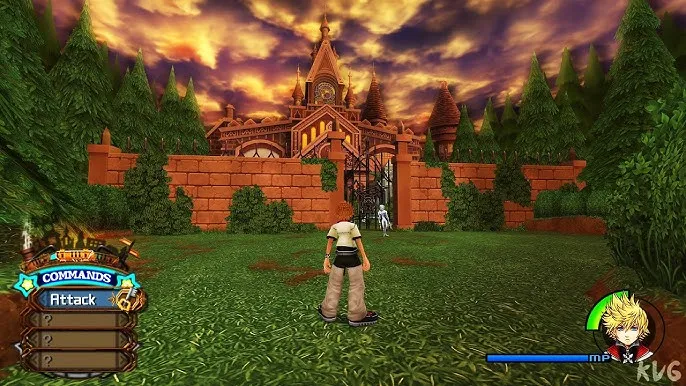
Why Play Kingdom Hearts on PC?
The Kingdom Hearts PC version offers several advantages that make it the definitive way to experience the franchise. Enhanced HD graphics, smoother frame rates, and widescreen support bring Disney’s worlds to life like never before. Players can switch between keyboard/mouse and controller setups for ultimate comfort, making exploration and combat more fluid and responsive.
Beyond gameplay, playing Kingdom Hearts on computer gives players complete freedom no battery drain, faster load times, and multitasking capabilities. You can stream, chat, or switch between applications effortlessly. The PC version also benefits from mod support and cloud save synchronization across platforms, letting you pick up your adventure anywhere. It’s the perfect blend of nostalgia and next-gen performance ideal for modern gamers who want to experience the magic their way.
FAQs
Is Kingdom Hearts officially available for PC?
Yes. The entire Kingdom Hearts series was officially released for PC via the Epic Games Store in 2021 and later made available on Steam in 2024. You can download and play all major titles, including Kingdom Hearts HD 1.5 + 2.5 Remix, HD 2.8 Final Chapter Prologue, and Kingdom Hearts III + Re Mind DLC.
How do I download Kingdom Hearts for PC safely?
To download Kingdom Hearts for PC, use the verified Download Button on this page or purchase it from trusted platforms like Steam or Epic Games Store. Avoid unofficial sites to prevent malware or pirated versions that may harm your system.
What’s included in the Kingdom Hearts PC version?
The PC version includes the full saga from Kingdom Hearts Final Mix to Kingdom Hearts III + Re Mind DLC. It’s a complete journey featuring over 10 titles, HD remasters, and cinematic story segments that connect the entire series.
Can I use a controller to play on PC?
Absolutely! Kingdom Hearts PC supports both controllers and keyboard/mouse inputs. Many players prefer a controller for smoother combat and movement, but keyboard users enjoy customizable precision.
Does Kingdom Hearts PC support mods or upgrades?
Yes. The PC version supports mods and community enhancements that improve visuals, add custom skins, and tweak gameplay mechanics. It also allows higher resolutions, ultrawide screens, and unlocked frame rates for a superior experience.
Conclusion
Kingdom Hearts PC opens the door to one of gaming’s most magical adventures now enhanced for modern systems. With upgraded visuals, faster performance, and customizable controls, it’s the ultimate way to experience Sora’s journey across Disney and Square Enix worlds. Whether you’re revisiting the saga or playing for the first time, the PC version delivers the most complete and immersive experience yet.