
ASTRONEER PC
Explore ASTRONEER PC, a stunning space exploration game where you build, craft, and survive across unique planets. Download now for an epic adventure!
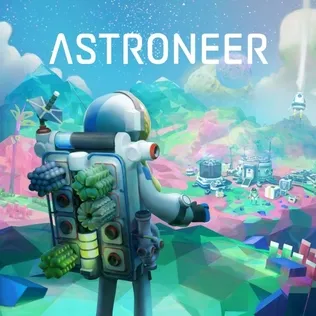
ASTRONEER PC is one of the most beloved space exploration and crafting games of the decade. Developed by System Era Softworks, this open-world sandbox adventure lets players explore distant planets, reshape alien landscapes, and build sprawling interstellar bases. With its distinctive low-poly art style and physics-driven environments, ASTRONEER has carved a unique niche among space simulation games.
Since its official release, the game has gained an impressive player base across platforms like Steam, Xbox, and PlayStation. But it’s the ASTRONEER PC version that truly offers the best of everything superior graphics, customizable controls, and seamless mod support. Whether you’re a beginner exploring your first planet or an experienced astronaut building massive bases across solar systems, this game guarantees countless hours of creativity and discovery.
If you’ve ever dreamed of becoming an interplanetary pioneer, it’s time to download ASTRONEER for PC. Dive into a world where your imagination is the only limit and where every mountain, cave, and alien terrain is yours to explore.
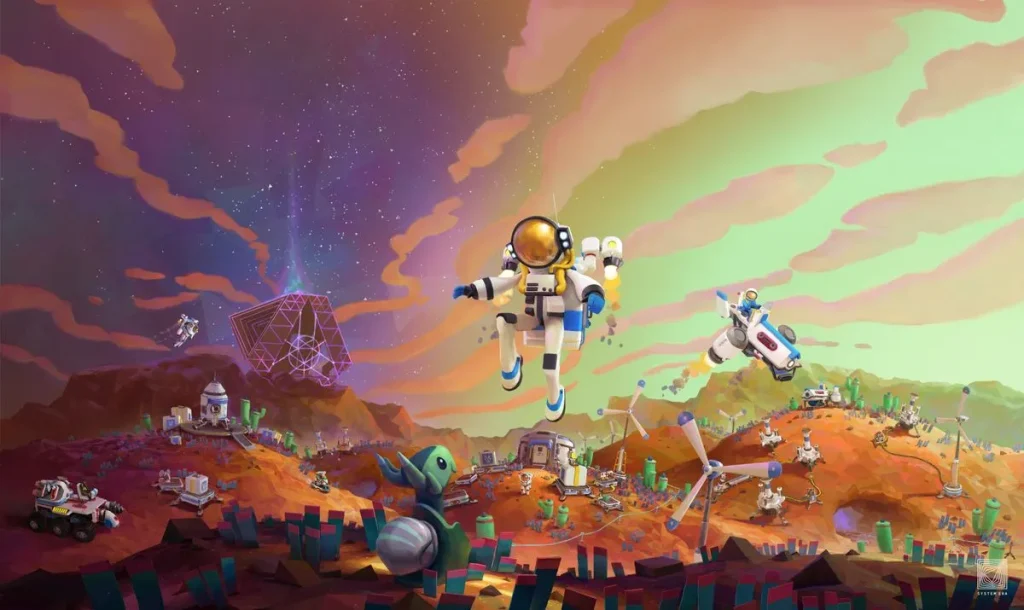
Features
Procedurally Generated Planets
Every time you start a new game in ASTRONEER PC, you’re entering a world that’s completely unique. Each planet is procedurally generated, meaning the terrains, caves, and landscapes are never the same twice. Players can explore frozen wastelands, lush jungles, or alien deserts each filled with resources, secrets, and challenges. This infinite replayability keeps the game fresh and exciting.
Terrain Deformation and World Sculpting
One of ASTRONEER’s most iconic features is its Terrain Tool, which allows you to reshape the world at will. Dig tunnels deep into the planet’s crust, carve out caverns, or build towering structures. Unlike most survival games, ASTRONEER turns the environment itself into a creative playground. You can sculpt mountains, flatten surfaces, or hollow out caves to create bases and roads.
Creative Crafting and Building System
Crafting is at the heart of the ASTRONEER PC version. Gather materials like compound, resin, and aluminum to create everything from basic shelters to complex research labs. The modular building system lets you connect base modules seamlessly, expanding your setup as you discover new resources and technologies. Each item has a purpose whether it’s generating power, refining ores, or providing oxygen.
Multiplayer Co-op Gameplay
The game shines brightest when played with friends. ASTRONEER supports 4-player online co-op, allowing you to collaborate on massive base-building projects, divide exploration duties, and share resources. Working together enhances survival chances and adds an element of teamwork that’s both rewarding and chaotic in the best way.
Vehicles and Spacecraft Exploration
When your planet becomes too small, it’s time to explore the stars. Players can craft rovers, shuttles, and spacecraft to travel between planets, discovering new environments and resources. Vehicles can be customized with storage units, research modules, or power generators, making them essential for long-distance missions.
Survival and Environmental Hazards
The cosmos isn’t safe. Players must manage oxygen, energy, and weather conditions while avoiding storms and hostile terrain. Running out of oxygen while deep underground or in a sandstorm adds tension and excitement to the otherwise relaxing gameplay. Success relies on careful planning and resource management.
Resource Gathering and Automation
Mining resources is only the beginning players can also automate systems using platforms, sensors, and conveyors. Automation streamlines base management, letting you focus more on exploration and creativity rather than repetitive tasks.
Vibrant Visuals and Calming Soundtrack
ASTRONEER’s art style is both minimalistic and mesmerizing. The soft colors, geometric environments, and relaxing soundtrack create a peaceful yet mysterious atmosphere. On PC, the enhanced graphics settings bring every detail from shimmering minerals to glowing alien flora to life.
Cross-Platform Play and Cloud Saves
You can play ASTRONEER on PC with friends using other platforms like Xbox or PlayStation. Cloud saves let you switch devices without losing progress, ensuring your cosmic adventures continue wherever you play.
Frequent Updates and Developer Support
System Era Softworks consistently updates ASTRONEER with new features, missions, and community events. Regular patches and expansions ensure that players always have something new to discover, keeping the ASTRONEER universe alive and ever-expanding.
How to Download ASTRONEER on PC?
- Click the Download button on this page to safely get the latest PC build.
- Choose your platform (Windows recommended; Mac/Linux may also be available if listed).
- When prompted, Save the file to an easy location (e.g., Downloads or Desktop).
- If the file is a .zip (or .rar), right-click it and select Extract All… to a new folder.
- Open the extracted folder and double-click
ASTRONEER PC.exeto launch. - If Windows SmartScreen appears, click More info → Run anyway (only proceed if you downloaded from the button on this page).
- Optional: right-click the .exe and choose Create shortcut to pin it to Start/Desktop.
- In Options/Settings, set fullscreen/windowed, audio levels, and keybinds (WASD/Arrows).
System Requirements
| Component | Minimum Requirements | Recommended Requirements |
|---|---|---|
| OS | Windows 7, 8, or 10 (64-bit) | Windows 10 or 11 (64-bit) |
| Processor | Intel Dual Core 2.0 GHz | Intel i5 or AMD Ryzen 5 |
| Memory (RAM) | 4 GB | 8 GB or higher |
| Graphics | NVIDIA GTX 560 / AMD Radeon 570 | NVIDIA GTX 1060 / AMD RX 580 |
| Storage | 2 GB available space | 4 GB free space |
| DirectX | Version 11 | Version 12 |
| Internet | Broadband connection for multiplayer | Broadband connection for multiplayer |
How to Play ASTRONEER on PC?
Playing ASTRONEER on PC is a seamless experience that combines exploration, creativity, and survival. Once you launch the game, you’ll begin as an astronaut landing on a mysterious planet. Your first task is to gather essential resources such as compound and resin using the Terrain Tool. These materials are crucial for crafting tethers (to maintain oxygen flow), building base modules, and creating vital survival equipment. The interface is intuitive, with simple controls for digging, shaping terrain, and interacting with structures.
As you progress, you’ll expand your base, research new technologies, and travel to other planets. Vehicles like rovers and shuttles help you explore distant locations more efficiently. The ASTRONEER PC version offers precise mouse and keyboard controls, making crafting, navigation, and resource collection smoother. Team up with friends in multiplayer mode, automate your base for efficiency, and shape your planetary empire exactly the way you imagine it.
Why Play ASTRONEER on PC?
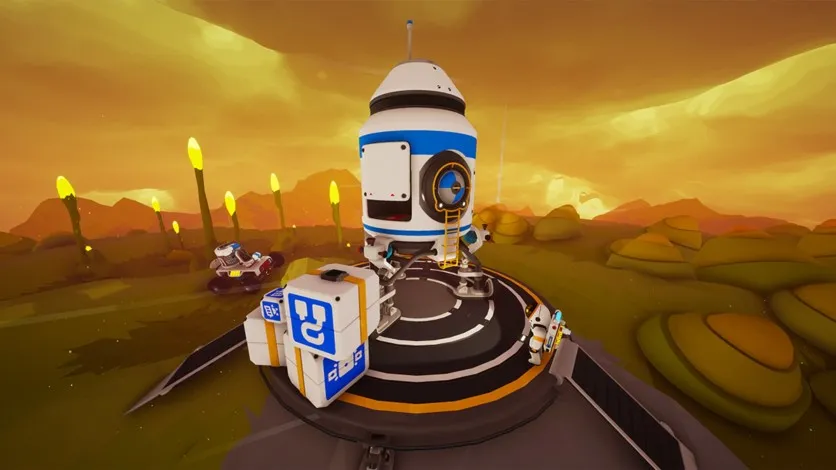
Playing ASTRONEER on PC delivers the most optimized and immersive experience possible. With enhanced graphics, detailed textures, and higher frame rates, the game’s vibrant worlds truly come to life. The precision of a mouse and keyboard setup makes terraforming, crafting, and exploring far more responsive than on other platforms. Plus, you’ll enjoy fast loading times and improved stability for long gaming sessions without lag.
Another major benefit of the ASTRONEER PC version is convenience. You can multitask, run mods, and enjoy the game on a large screen with superior visual clarity. There’s no battery drain or overheating, and your progress syncs across platforms through cloud saving. Whether you’re streaming your adventure or collaborating with friends, ASTRONEER on PC offers the ultimate combination of performance, flexibility, and freedom for modern gamers.
FAQs
Can I play ASTRONEER PC offline?
Yes. While ASTRONEER offers rich multiplayer features, you can fully enjoy the game offline in single-player mode. Your progress will sync automatically once you reconnect online.
Is ASTRONEER free to download for PC?
ASTRONEER is a premium game available for purchase through platforms like Steam, Epic Games Store, and Xbox Game Pass. Be cautious of unofficial “free download” claims, as they may contain unsafe files.
Does ASTRONEER support mods on PC?
Yes, the ASTRONEER PC version supports community-made mods. Players can enhance visuals, add gameplay tweaks, or create entirely new experiences using mod tools available on Steam Workshop.
Can I play with friends across different platforms?
Absolutely! ASTRONEER supports cross-platform play, allowing PC gamers to join sessions with players on Xbox and PlayStation. Invite friends and collaborate on massive interplanetary builds.
What makes ASTRONEER on PC better than console versions?
The PC version offers higher resolution, smoother frame rates, and customizable controls. You also gain access to modding capabilities, better performance optimization, and the ability to multitask without system limitations.
Conclusion
ASTRONEER is more than just a game it’s an artistic and scientific journey into the unknown. With its combination of exploration, creativity, and survival, it stands as one of the most engaging space sandbox experiences ever created. Don’t wait any longer click the download button on this page to get ASTRONEER PC and start building your galactic adventure today!


