Friday Night Funkin’ PC
Friday Night Funkin’ PC brings rhythm battles, catchy music, and engaging challenges to your computer, delivering fast-paced fun for gamers.
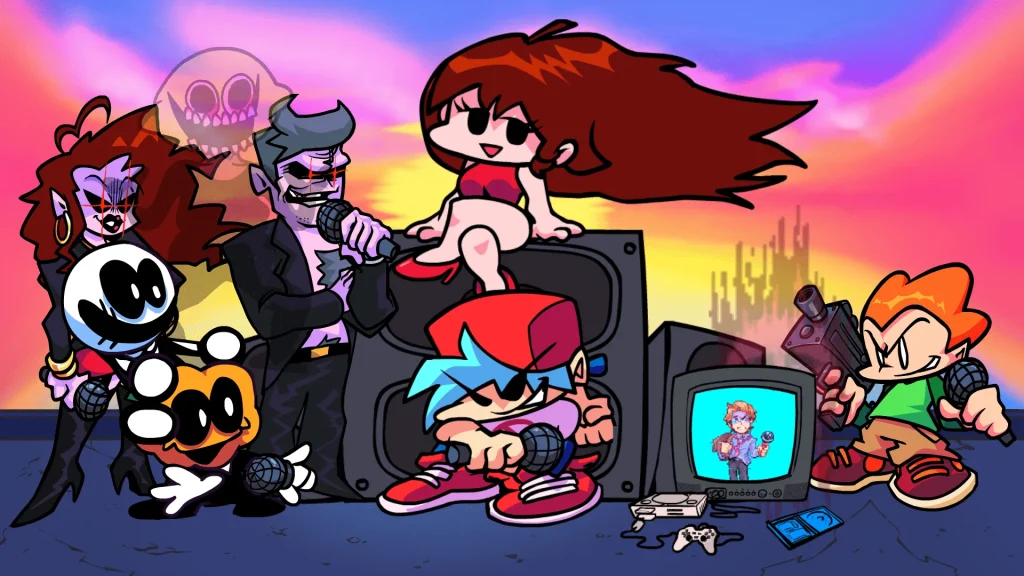
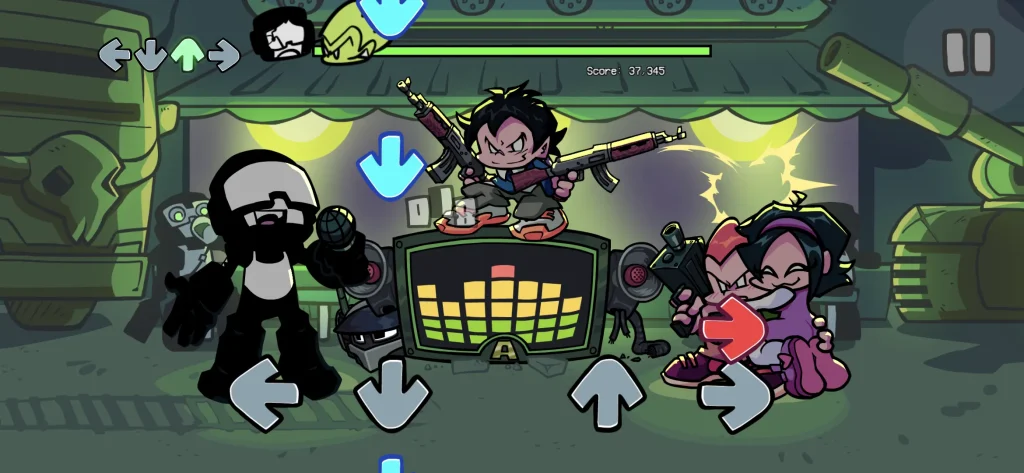
Friday Night Funkin’ is a fast-paced, arrow-matching rhythm game where you rap-battle as Boyfriend to impress Girlfriend against a colorful cast of opponents. Born on Newgrounds and built with HaxeFlixel, the game first exploded on desktop browsers and downloadable PC builds. That origin matters: the PC version is the definitive platform thanks to native keyboard input, higher and steadier frame rates, and virtually zero input latency compared with mobile emulation. With instant access to settings, mods, custom keybinds, and performance tweaks, Friday Night Funkin’ PC delivers the most responsive and feature-complete experience.
On the surface, FNF looks simple—hit the arrows (or DFJK) in time with the music—but beneath that is a satisfying skill curve. PC players can fine-tune hit windows, adjust scroll speed, and choose from custom engines like Kade Engine or Psych Engine for richer options: in-song accuracy meters, note splashes, botplay for practice, and replay analysis. Chart editors let you create or tweak weeks and songs, while PC-friendly tools make importing custom tracks, art, and charts straightforward. The result is a rhythm sandbox of sorts—creative freedom to practice, mod, and share charts at any level.
From YouTube to TikTok, Friday Night Funkin’ became a viral phenom almost overnight, inspiring thousands of fan songs, story arcs, and art styles. The modding community is the heartbeat of the PC scene: total conversions, new antagonists like Whitty or Tricky, polished engines, and collaborative weeks that feel like mini-expansions. Because PC is where these tools and communities live, it’s the platform with the broadest content and the longest tail. Whether you’re chasing perfect Sick rankings, speedrunning, or diving into narrative mod packs, the Friday Night Funkin’ PC version is where the culture evolves first—and fastest.
Features
Precision Keyboard Controls (Arrows or DFJK)
Play with ultra-responsive keyboard input using either the Arrow keys or the popular DFJK layout. You can remap keys to match your hand size, enable or disable ghost tapping (hitting when no note is present), and fine-tune debounce and polling rate on gaming keyboards for tighter timing. This control flexibility helps you maintain accuracy on dense patterns like trills, jacks, and staircases.
Difficulty, Scroll Speed, and Hit-Window Tuning
Scale the challenge from Easy to Hard (and beyond in community engines). Adjust scroll speed so notes move at a pace your eyes can track, then refine hit windows to determine how strict the timing feels. These options let beginners learn fundamentals without frustration and give advanced players the precision needed to Full Combo difficult weeks and mods.
Calibration & Input Offset
Every display and audio setup introduces some delay. Built-in calibration tools let you set global and per-song input offsets so your key presses line up perfectly with the beat. Once calibrated, you’ll notice immediate improvements in Sick/Good ratios and combo stability, especially in tracks with rapid BPM shifts.
Practice Tools: Botplay, No-Fail & Replays
Stuck on a brutal chorus? Activate botplay to watch a perfect run, loop tricky sections to build muscle memory, or toggle no-fail to explore entire songs without restarting. Replay breakdowns and accuracy graphs reveal where you’re dropping notes, helping you target practice time for the fastest skill gains.
Massive Mod Support & Total Conversions
The PC scene thrives on mods—new weeks, characters, note types, and complete story overhauls. Most mods drop into a simple mods/ folder (Psych/Kade Engine) and work out of the box. This transforms the base game into an endless rhythm library, from lore-rich narrative packs to high-intensity boss charts designed for veterans.
Built-in Chart Editor & Custom Songs
Create or tweak your own charts with editor tools found in popular community engines. Import WAV/OGG tracks, set BPM, place notes and events, then test instantly. Sharing charts is as easy as zipping a folder, which fuels a vibrant creator ecosystem and gives you unlimited fresh content.
Performance Options for Any PC
Lightweight by design, the game runs smoothly on integrated graphics. Performance toggles—like reducing particle effects or disabling heavy shaders—push even older systems to a stable 60+ FPS. On stronger rigs, you can crank up refresh rates and enjoy buttery-smooth scrolling that makes tight windows feel fair.
Accessibility & Comfort Settings
Customize visuals to reduce eye strain and improve focus. Switch between upscroll and downscroll, resize receptors, choose high-contrast note skins, and tone down flashing effects. These options make rhythm reading clearer and more comfortable for long sessions, regardless of your display or lighting.
Streamer-Ready Capture & Audio Routing
Windowed/fullscreen modes, predictable frame pacing, and clean audio output make recording and streaming straightforward with tools like OBS. Overlay your input display, add scene transitions, and engage chat while battling through weeks—performance stability keeps VODs and clips crisp and watchable.
Local Saves with Easy Cloud Sync
Progress, options, and mods live in simple folders, which means backing up or syncing is painless. Drop them into a cloud drive to keep settings and scores consistent across your desktop and laptop. It’s also convenient for safely testing new engines or mod builds without risking your main setup.
How to Download Friday Night Funkin’ on PC?
- Click the Download button on this page to safely get the latest PC build.
- Choose your platform (Windows recommended; Mac/Linux may also be available if listed).
- When prompted, Save the file to an easy location (e.g., Downloads or Desktop).
- If the file is a .zip (or .rar), right-click it and select Extract All… to a new folder.
- Open the extracted folder and double-click
FridayNightFunkin.exeto launch. - If Windows SmartScreen appears, click More info → Run anyway (only proceed if you downloaded from the button on this page).
- Optional: right-click the .exe and choose Create shortcut to pin it to Start/Desktop.
- In Options/Settings, set fullscreen/windowed, audio levels, and keybinds (WASD/Arrows).
System Requirements
The game is lightweight; mods and high-FPS settings may increase requirements.
| Component | Minimum (Windows) | Recommended (Windows) |
|---|---|---|
| OS | Windows 7/8/10/11 (64-bit) | Windows 10/11 (64-bit) |
| CPU | Dual-core 2.0+ GHz | Quad-core 3.0+ GHz |
| RAM | 2 GB | 4 GB or more |
| GPU | Integrated graphics w/ OpenGL 2.0 / DirectX 10 | Dedicated GPU w/ DirectX 11 support |
| Storage | 500 MB free | 2 GB+ (for mods) |
| Audio | Standard onboard audio | Standard onboard audio |
| Input | Keyboard (Arrow keys or DFJK) | Keyboard + optional controller |
How to Play Friday Night Funkin’ on PC?
Rhythm is everything. During songs, notes scroll toward the receptors; hit the matching keys (Arrow keys or DFJK) as the notes overlap the targets. Keep your eyes slightly ahead of the receptors to anticipate patterns. Use the Options menu to calibrate input offset, tweak scroll speed, and enable downscroll if that feels more natural. Start on Easy/Normal to learn the chart vocabulary—staircases, jacks, trills—then climb to Hard once your accuracy stabilizes.
Build consistency with short practice loops. Enable botplay to observe perfect timing on tough sections, then disable it and replicate. If a mod adds mechanics (e.g., tricky note types), read the mod’s notes for hazards. For long sessions, take breaks to keep your wrists and timing fresh. Record runs with OBS to analyze where your accuracy dips. Over time, you’ll develop muscle memory and mental mapping of patterns, turning even Week 7 into a dance.
Why Play Friday Night Funkin’ on PC?
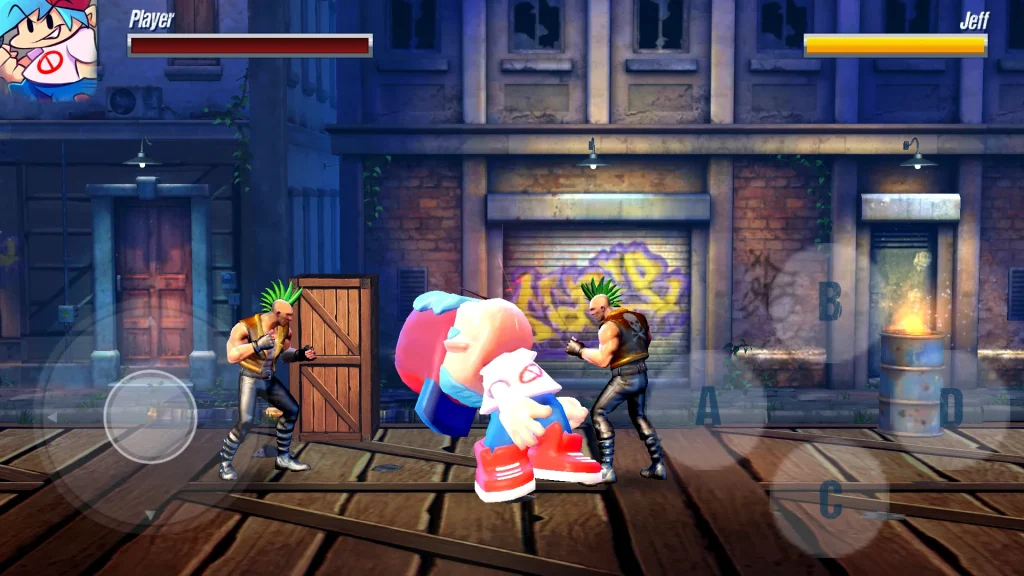
PC offers enhanced frame rates, crisp visuals, and keyboard precision for tight hit windows. You’ll feel the beat more clearly, especially on demanding charts and modded weeks where input timing makes or breaks your run.
It also means no battery drain, easy multitasking (Spotify, Discord, OBS), and optional progress syncing if you place saves in a cloud-synced folder. Most importantly, Friday Night Funkin’ PC is the home of mods—thousands of community creations you can install with a couple of clicks.
FAQs
Is Friday Night Funkin’ free on PC?
Yes. The base game is free on desktop. You can download it free from the download button available on this page.
What keys should I use—Arrows or DFJK?
Both work. DFJK keeps your hands centered and can reduce finger travel on dense patterns, while Arrows feel natural for many players. Try both and stick with whatever yields higher accuracy.
How do I install mods safely?
Use engines like Psych Engine or Kade Engine. Place mod folders in the mods/ directory (or follow the engine’s instructions). Avoid unknown mirrors; scan downloads and read mod pages for compatibility notes.
I’m getting input lag—how do I fix it?
Use fullscreen, disable background apps, and set the game to High Performance in your GPU/Windows settings. Calibrate input offset in-game. If using a TV, enable “Game Mode” to cut display latency.
Can I use a controller instead of a keyboard?
Yes, many builds support controllers. However, most top players prefer keyboards for faster, more precise inputs. If you use a pad, remap buttons and keep polling rates consistent.
Conclusion
If you want the smoothest performance, the biggest mod library, and the most precise controls, Friday Night Funkin’ PC is the way to go. Use the Download button on this page to grab a safe build, calibrate your inputs, and start stacking Sick hits. Whether you’re clearing the vanilla weeks or exploring legendary mods, the PC version gives you the tools—and the community—to keep improving and having fun.