Blue Archive PC
Play Blue Archive PC for free! Experience stunning anime visuals, real-time battles, and strategic gameplay. Download now and lead your students to victory!

If you’ve ever dreamed of commanding a squad of anime heroes in tactical real-time battles, Blue Archive PC is your gateway to a visually captivating and emotionally rich adventure. Developed by Nexon Games and Yostar Limited, Blue Archive has captured millions of players worldwide since its global release. Originally a mobile game, it quickly became a phenomenon among fans of anime-inspired RPGs thanks to its stunning graphics, endearing characters, and strategic gameplay depth.
In Blue Archive, you play as a teacher guiding a team of students from various academies in the city of Kivotos, battling rogue enemies and uncovering mysterious stories. The mix of real-time strategy and role-playing elements keeps every battle engaging, requiring smart use of character abilities, positioning, and timing. Whether you’re new to tactical games or a seasoned RPG enthusiast, Blue Archive offers an accessible yet deeply rewarding experience.
Now, with the Blue Archive PC version, players can enjoy smoother gameplay, higher resolutions, and superior control precision. The transition from mobile to PC makes the experience more immersive than ever. If you haven’t tried it yet, this is your sign to download Blue Archive for PC and dive into one of the most vibrant anime worlds ever created.
Features
Immersive Anime-Style Graphics
One of the most captivating aspects of Blue Archive PC is its high-quality anime visuals. Every character is beautifully designed with detailed expressions, vibrant color palettes, and smooth animations that feel straight out of a top-tier anime series. On PC, these visuals are further enhanced with higher resolution textures and better frame rates, providing a crisp, cinematic experience that mobile players can only dream of.
Deep and Emotional Storyline
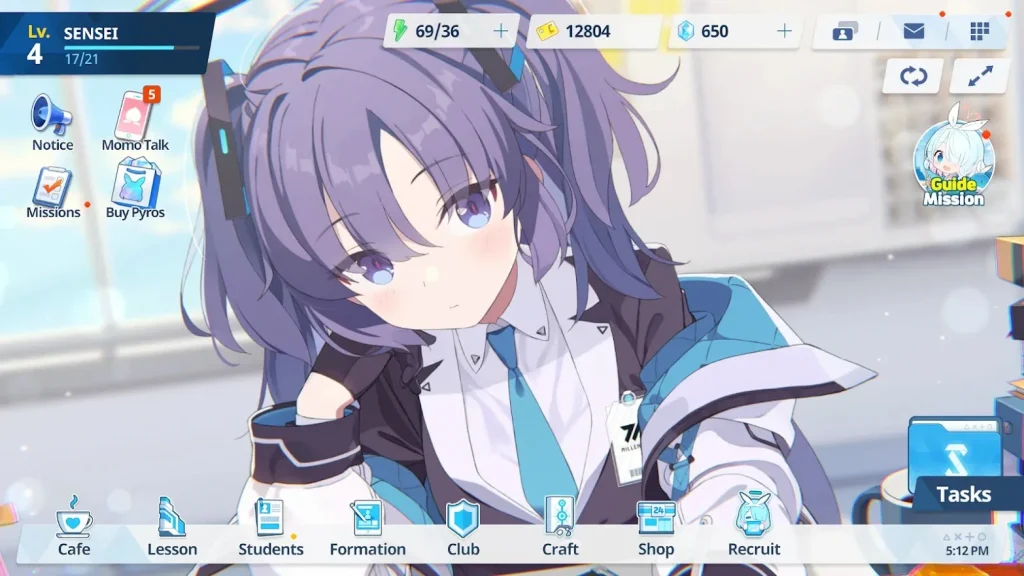
Blue Archive is a story-driven RPG that follows a teacher (you, the Sensei) guiding students from different academies in the futuristic city of Kivotos. Each academy has its own politics, mysteries, and emotional subplots. The story blends humor, friendship, and intense drama making players truly care about the characters they recruit. On PC, the immersive storytelling feels even more engaging with the larger screen and improved visual clarity.
Real-Time Tactical Combat
Unlike typical turn-based RPGs, Blue Archive PC introduces real-time tactical combat. Players manage teams of four students, strategically deploying their skills at key moments to gain the upper hand. Positioning, timing, and resource management all play critical roles in achieving victory. The PC version enhances this with faster input response and better control precision via keyboard and mouse.
Vast Character Collection
The game features an extensive gacha system, allowing you to collect dozens of students each with distinct personalities, weapons, and combat abilities. Characters come from various schools, such as Millennium, Gehenna, Trinity, and Abydos, each representing unique factions within the game’s lore. Building your ideal squad becomes a rewarding experience as you mix and match characters for different battle strategies.
Strategic Team Building
Victory in Blue Archive PC depends not just on character strength but also team synergy. Each student has a specific combat role (Attacker, Support, Healer, or Tank). Combining these roles strategically maximizes your squad’s effectiveness. Experimenting with team compositions keeps gameplay fresh and encourages long-term engagement.
Stunning Audio and Voice Acting
Every scene and battle is enhanced by professional Japanese voice actors and a powerful original soundtrack. The immersive music elevates emotional moments, while character voice lines bring charm and life to every interaction something that stands out even more when played through PC speakers or high-quality headphones.
Regular Events and Seasonal Updates
Blue Archive constantly evolves with new story chapters, characters, and limited-time events. These events often feature exclusive rewards, themed outfits, and bonus missions. Playing on PC ensures you can experience these updates without the limitations of mobile performance or storage.
PC-Optimized Controls and Interface
With keyboard and mouse support, the PC version offers a more responsive interface for battle commands and navigation. The larger display also enhances your ability to monitor character stats, cooldowns, and tactical positioning in real time.
Cross-Platform Progress Sync
You can link your account to sync progress between mobile and PC. This seamless transition allows you to play on the go or at your desk without losing your achievements, upgrades, or story progression.
Free-to-Play with Fair Monetization
Blue Archive PC is completely free to download and play, offering premium currency through gameplay achievements and missions. While optional in-game purchases exist, the gacha system is balanced enough to reward strategic play and consistent participation making it enjoyable for both casual and dedicated gamers.
How to Download Blue Archive on PC?
- Click the Download button on this page to safely get the latest PC build.
- Choose your platform (Windows recommended; Mac/Linux may also be available if listed).
- When prompted, Save the file to an easy location (e.g., Downloads or Desktop).
- If the file is a .zip (or .rar), right-click it and select Extract All… to a new folder.
- Open the extracted folder and double-click
Blue Archive PC.exeto launch. - If Windows SmartScreen appears, click More info → Run anyway (only proceed if you downloaded from the button on this page).
- Optional: right-click the .exe and choose Create shortcut to pin it to Start/Desktop.
- In Options/Settings, set fullscreen/windowed, audio levels, and keybinds (WASD/Arrows).
System Requirements
| Specification | Minimum Requirements | Recommended Requirements |
|---|---|---|
| OS | Windows 7 / 8 / 10 (64-bit) | Windows 10 / 11 (64-bit) |
| Processor | Intel Core i3 or AMD Ryzen 3 | Intel Core i5 / Ryzen 5 or higher |
| RAM | 4 GB | 8 GB or more |
| Graphics Card | Intel HD Graphics 4000 | NVIDIA GeForce GTX 1050 / AMD Radeon RX 560 |
| Storage | 5 GB free space | 10 GB SSD space |
| Internet | Stable broadband connection | High-speed internet for updates |
How to Play Blue Archive on PC?
Once you’ve downloaded Blue Archive PC, launch the game through the Nexon launcher or your chosen emulator. You’ll step into the shoes of a Sensei, the mentor who leads students from different academies in tactical missions across the city of Kivotos. The gameplay combines real-time strategy and RPG mechanics, where your squad of students automatically engages in combat while you control their special skills using precise timing. Your goal is to deploy their abilities strategically to counter enemies, manage resources, and lead your team to victory.
To enhance your gameplay, take advantage of the customizable control settings available in the PC version. You can assign shortcuts for activating skills, adjust graphics quality, and use a mouse for accurate targeting. Spend time leveling up your students, enhancing their weapons, and building balanced teams to handle different mission types. With the fluid responsiveness of PC controls, playing Blue Archive feels smoother and more tactical than ever before.

Why Play Blue Archive on PC?
Playing Blue Archive on PC offers several advantages that elevate the overall experience. The enhanced graphics and high-resolution visuals bring every character and battle to life, while the keyboard and mouse controls make it easier to issue commands during fast-paced missions. You’ll also enjoy faster load times, stable performance, and the ability to play without worrying about battery drain or overheating issues that often plague mobile gaming.
Beyond the technical perks, the larger screen and multitasking capability make Blue Archive PC ideal for both casual and competitive players. Whether you’re streaming gameplay, chatting with friends, or browsing guides, you can multitask effortlessly while enjoying smooth performance. With cross-platform progress syncing, you can switch between PC and mobile seamlessly, ensuring your journey as Sensei continues wherever you are.
FAQs
Is Blue Archive available to play on PC?
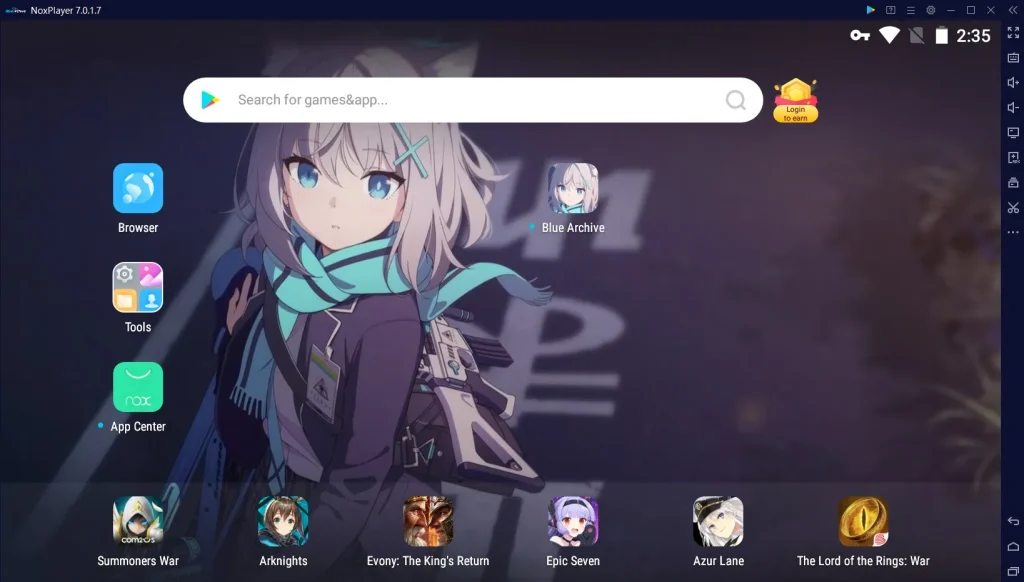
Yes! You can officially play Blue Archive PC through the Nexon launcher or popular Android emulators like Bluestacks, LDPlayer, or NoxPlayer. The PC version offers improved visuals, stability, and an enhanced control experience that makes battles smoother and more enjoyable.
Can I use my mobile account on the PC version?
Absolutely. Blue Archive supports cross-platform progress syncing, meaning you can log in with your existing Nexon or Yostar account and access all your progress, students, and currency from your mobile version directly on your PC.
Do I need to pay to play Blue Archive on PC?
No. Blue Archive PC is completely free to play. You can enjoy the full story, events, and missions without spending a dime. However, the game includes optional microtransactions for those who wish to purchase in-game currency or cosmetic items.
What are the best settings to play Blue Archive on PC?
For optimal performance, set the graphics to High and resolution to Full HD (1920×1080) if your hardware supports it. Enable vertical sync for smoother animations and use keyboard shortcuts for faster skill activation. This setup ensures a visually rich and lag-free experience.
How do I update Blue Archive PC to the latest version?
If you’re using the Nexon launcher, the game updates automatically whenever a new patch or event goes live. Emulator users can update through the Google Play Store within the emulator. Keeping your game updated ensures you never miss out on limited-time events, new characters, and story expansions.
Conclusion
Blue Archive PC offers the best way to experience Nexon’s beloved anime RPG in full glory enhanced graphics, precise controls, and uninterrupted gameplay. Whether you’re exploring the emotional stories or engaging in thrilling tactical battles, the PC version elevates every aspect of the adventure. Don’t wait any longer click the download button on this page to start your journey as Sensei today and lead your students to victory in the world of Kivotos!l world of Kivotos today.