Clash Royale PC
Play Clash Royale PC for free! Enjoy real-time battles, stunning graphics, and smooth controls on a bigger screen. Download now and rule the arena!
Clash Royale PC brings one of the most popular mobile strategy games ever made to your desktop, offering smoother performance, sharper visuals, and an entirely new way to dominate the arena. Developed by Supercell, the creators behind global hits like Clash of Clans and Brawl Stars, Clash Royale is a real-time card-based strategy game that has taken the gaming world by storm since its release in 2016.
With over 100 million downloads and consistent rankings in the top charts for both Android and iOS, Clash Royale has become a household name among gamers of all ages. Players build their own decks of troops, spells, and defenses to outsmart opponents in fast-paced PvP battles. Every victory brings trophies, rewards, and higher rankings in competitive leagues.
Now, imagine experiencing that same excitement but on a larger screen, with precise mouse controls and zero lag. That’s exactly what you get when you play Clash Royale on PC. The PC version offers the same strategic intensity and card mechanics, but with the added comfort and precision that desktop gaming provides. If you’re ready to download Clash Royale for PC, scroll down and hit the Download button below to begin your journey.
Features
Real-Time Strategy Battles
Clash Royale PC is a real-time multiplayer strategy game. You face off against other players from around the world in fast-paced, 3-minute duels where every move counts. Deploy your troops, defend your towers, and destroy your opponent’s King Tower to secure victory. The quick battle format ensures thrilling matches filled with tension and excitement, making it perfect for both casual and competitive gamers.
Familiar Characters from the Clash Universe
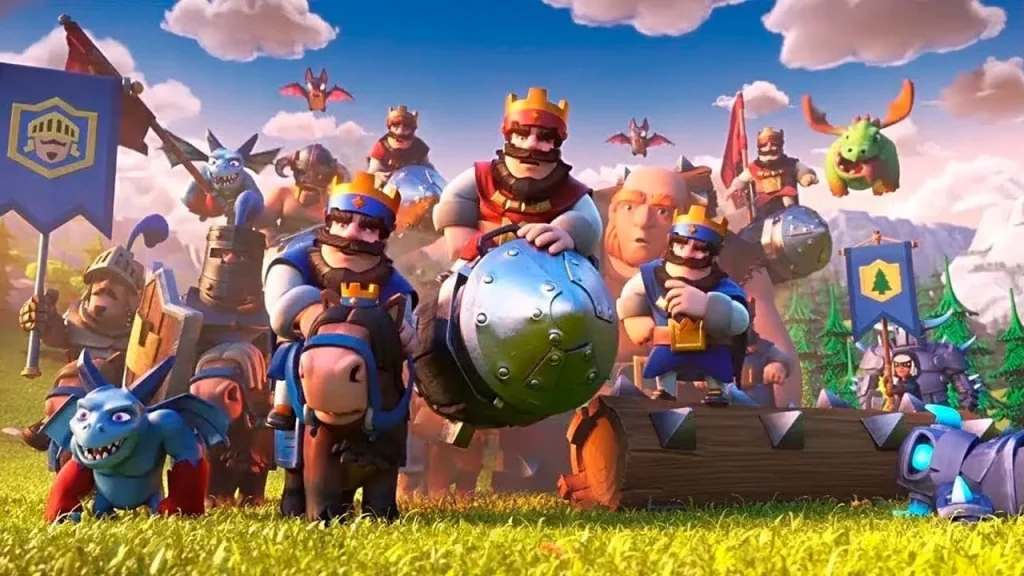
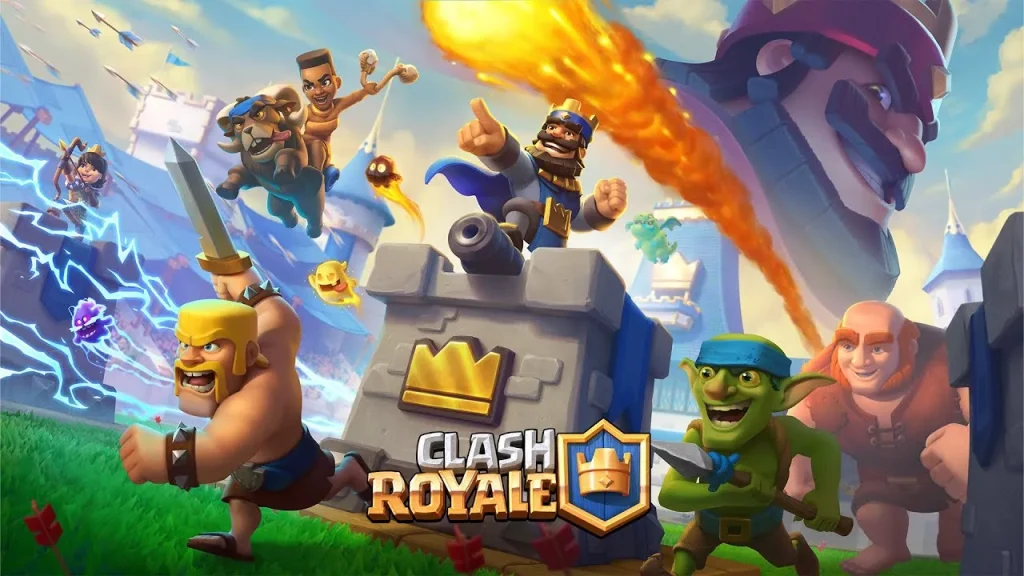
Fans of Clash of Clans will feel right at home, as Clash Royale features many beloved characters from the Clash universe including Archers, Giants, Goblins, and the mighty P.E.K.K.A. Each card has distinct stats and abilities, adding layers of strategy to every match. The familiarity of these characters, paired with new additions, keeps the gameplay both nostalgic and fresh.
Collectible Cards and Custom Decks
Cards are the foundation of Clash Royale PC. Each card represents a troop, spell, or building that you can deploy in battle. Players collect cards through chests, battles, and events, and use them to build personalized decks that suit their play style whether it’s an aggressive rush deck or a defensive control deck. Strategic deck-building is essential for victory.
Clan System and Cooperative Play
Join or create a Clan to team up with friends and other players. Within clans, you can donate cards, share strategies, and participate in Clan Wars, where teams battle for dominance and rewards. The social aspect adds depth to the game, transforming it from a solo experience into a global community of competitive players.
Seasonal Events and Special Challenges
Supercell regularly introduces limited-time events and seasonal challenges, keeping gameplay dynamic and rewarding. Players can earn exclusive cards, skins, and emotes by participating. These challenges often test unique strategies, giving veterans and newcomers fresh ways to experience the game.
Cross-Platform Progress Sync
Whether you’re playing on your phone or Clash Royale PC version, your progress stays synchronized. By logging in with your Supercell ID or Google account, you can seamlessly switch between devices without losing your data. This flexibility allows you to play anytime, anywhere.
Enhanced Graphics and Smooth Performance
On PC, Clash Royale benefits from high-resolution graphics, faster frame rates, and improved performance. Battles look sharper, animations are smoother, and gameplay feels more responsive. You can enjoy lag-free matches even during intense combat sequences.
Keyboard and Mouse Controls
One of the biggest advantages of Clash Royale PC is precise control. Use your mouse to deploy troops quickly and your keyboard for shortcuts and commands. This setup gives you better accuracy and faster reaction times compared to touchscreen play.
Balanced Free-to-Play Model
Clash Royale is completely free-to-play, and its progression system rewards skill and strategy. While optional purchases exist for faster upgrades, the game ensures fairness allowing every player to climb the ranks through tactics and smart deck management.
Competitive Esports and Global Rankings
For those craving competition, Clash Royale has a thriving esports scene and global leaderboards. Players can compete in ranked matches, tournaments, and official Supercell competitions for rewards and prestige. The sense of progression and global rivalry keeps players engaged for years.
How to Download Clash Royale on PC?
- Click the Download button on this page to safely get the latest PC build.
- Choose your platform (Windows recommended; Mac/Linux may also be available if listed).
- When prompted, Save the file to an easy location (e.g., Downloads or Desktop).
- If the file is a .zip (or .rar), right-click it and select Extract All… to a new folder.
- Open the extracted folder and double-click
Clash Royale PC.exeto launch. - If Windows SmartScreen appears, click More info → Run anyway (only proceed if you downloaded from the button on this page).
- Optional: right-click the .exe and choose Create shortcut to pin it to Start/Desktop.
- In Options/Settings, set fullscreen/windowed, audio levels, and keybinds (WASD/Arrows).
System Requirements
| Specification | Minimum Requirements | Recommended Requirements |
|---|---|---|
| Operating System | Windows 7 / 8 / 10 (64-bit) | Windows 10 / 11 (64-bit) |
| Processor (CPU) | Intel or AMD Dual Core | Intel i5 or Ryzen 5 |
| RAM | 4 GB | 8 GB or higher |
| Graphics | Intel HD Graphics 520 | NVIDIA GTX 960 / AMD equivalent |
| Storage | 5 GB free space | 10 GB free space |
| Internet | Broadband connection | Stable high-speed connection |
How to Play Clash Royale on PC?
Playing Clash Royale on PC is a seamless experience that combines strategy, precision, and comfort. Once you’ve downloaded and installed the game using a trusted Android emulator or through Google Play Games for PC, launch it and log in with your Supercell ID or Google account to sync your progress. You’ll immediately notice smoother gameplay, faster load times, and sharper visuals compared to mobile devices. The PC version allows you to view the entire battlefield with greater clarity, giving you the tactical advantage of reading your opponent’s moves in real time.
To play effectively, use your mouse to deploy cards by clicking and dragging them onto the battlefield. The keyboard shortcuts can be customized in the emulator settings, allowing for quicker navigation and card placements. Players can experiment with different decks and battle tactics with the added precision that a PC setup provides. Whether you’re climbing the ranked ladder or practicing your strategy in friendly battles, Clash Royale PC delivers an engaging and responsive experience that enhances your overall performance and enjoyment.
Why Play Clash Royale on PC?
Choosing the Clash Royale PC version offers several undeniable advantages for both casual and competitive gamers. First, PC gameplay delivers enhanced graphics and fluid frame rates, letting you appreciate every detail of the battlefield. The keyboard and mouse controls ensure faster reaction times and more accurate troop placements, especially during intense, fast-paced battles.
Beyond performance, playing on a larger screen gives you a clearer view of the arena, while the absence of battery drain or overheating allows for long, uninterrupted sessions. Moreover, with cross-platform syncing, you can switch between your phone and computer anytime without losing progress. For multitaskers, the PC setup also makes it easy to stream, chat, or browse strategy guides while playing. Overall, Clash Royale on PC combines comfort, power, and precision offering the ultimate way to experience one of the world’s most beloved strategy games.
FAQs
Is Clash Royale officially available on PC?
Yes! While Clash Royale was originally designed for mobile, you can now play it officially through Google Play Games on PC or via trusted emulators like BlueStacks. The gameplay and progression remain the same across all platforms.
Can I transfer my progress from mobile to PC?
Absolutely. By linking your game to a Supercell ID or Google account, you can easily sync your progress across mobile and PC devices. That means all your cards, decks, and trophies will be right where you left them.
Is Clash Royale PC free to download?
Yes, the PC version of Clash Royale is completely free-to-play. Optional in-game purchases are available but not necessary to enjoy or advance in the game.
Do I need a high-end PC to play Clash Royale?
Not at all. Clash Royale is a lightweight game that runs smoothly even on low- to mid-range systems. As long as your PC meets the minimum requirements, you’ll experience seamless gameplay.
Which is the best emulator for Clash Royale PC?
BlueStacks and Google Play Games Beta are currently the top choices. Both offer high FPS, customizable key mapping, and stable performance tailored for strategy games like Clash Royale.
Conclusion
Clash Royale PC brings the thrill of real-time strategy gaming to a whole new level. With enhanced graphics, precise mouse and keyboard controls, and smooth, lag-free performance, it’s the best way to experience Supercell’s hit game on a larger screen. Whether you’re battling globally, joining clan wars, or mastering card strategies, the PC version offers unmatched comfort and control. Don’t miss out on the excitement enjoy hours of strategic fun without worrying about battery life or performance issues. Click the Download button above to safely download Clash Royale for PC and start your adventure today!