Dying Light PC
Survive Harran in Dying Light PC with parkour, crafting, and co-op action. Experience ultimate survival horror with stunning visuals and mods.

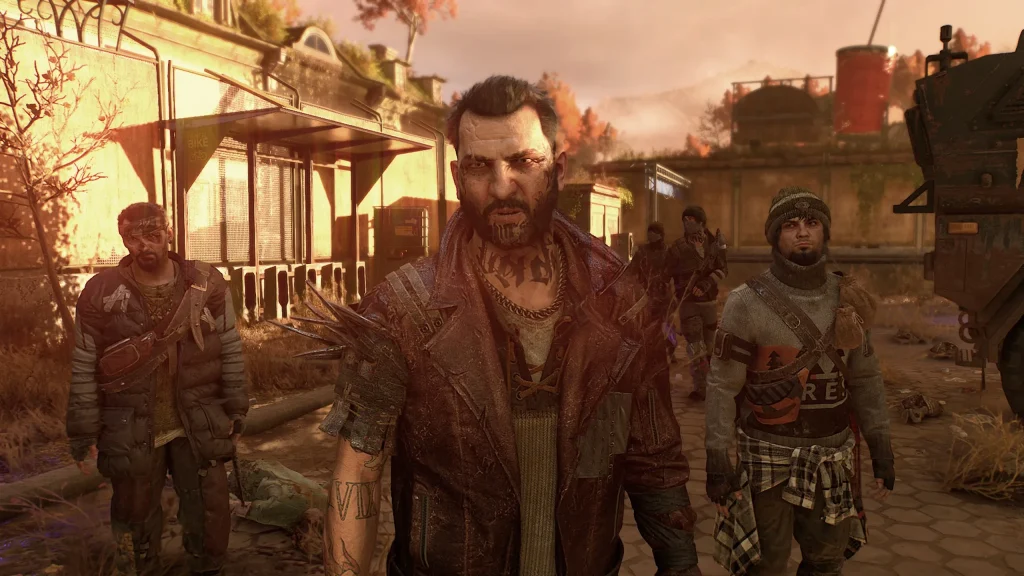
Dying Light PC is one of the most thrilling survival horror games ever created, immersing players in a terrifying open-world experience filled with danger, adrenaline, and unforgettable challenges. Developed by Techland, this action-packed title first captured global attention when it debuted and quickly became the definitive way to experience zombie survival on a computer. While consoles have their appeal, the PC version of Dying Light stands as the ultimate platform for those who want enhanced visuals, smooth performance, and endless customization options.
The game shines through its unique sandbox mechanics, giving players the freedom to explore Harran, a city overrun by infected creatures. Unlike many traditional zombie games, Dying Light incorporates dynamic parkour movement, allowing you to scale buildings, leap across rooftops, and escape danger in thrilling ways. On PC, this gameplay is elevated further with smoother controls, sharper graphics, and mods that bring creativity to the forefront. The freedom to experiment with weapons, strategies, and survival methods makes the PC version a must-play for every horror enthusiast.
Beyond gameplay, Dying Light PC has had a massive cultural impact. It has inspired an active modding community, creative content on YouTube and Twitch, and even cooperative multiplayer experiences that bring friends together against the undead. With millions of copies sold worldwide and regular content updates, the game’s legacy as a viral phenomenon continues to thrive. Its influence has shaped how survival horror games are designed, proving that PC remains the beating heart of immersive zombie survival experiences.
Features
Fluid Parkour Movement
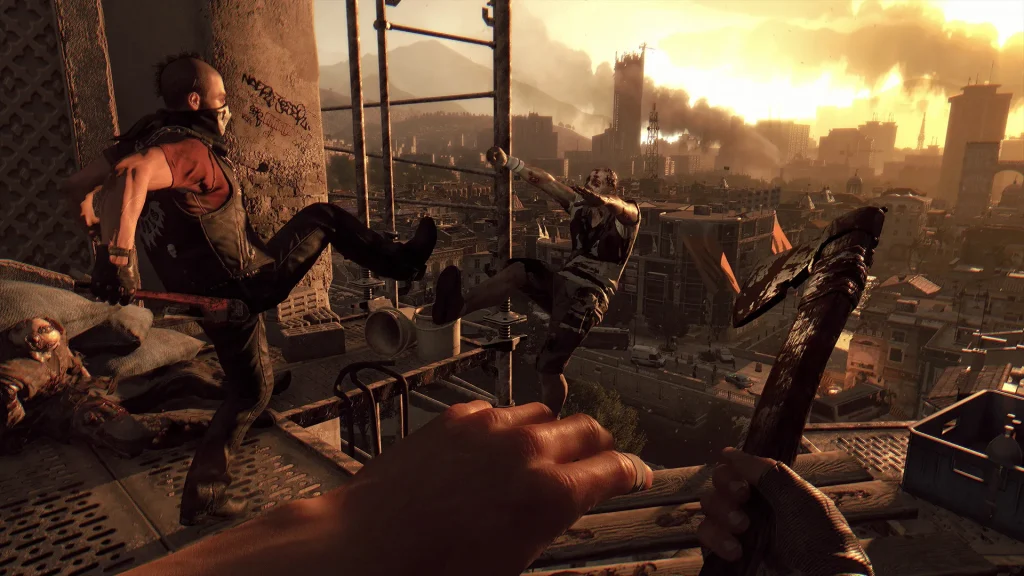
Movement in Dying Light is unlike any other survival horror title. With its innovative parkour system, players can climb, vault, and sprint across rooftops to escape danger or gain tactical advantages. Mastering this mechanic is essential, and on PC, the precision of keyboard and mouse controls makes traversal even smoother.
Engaging First-Person Combat
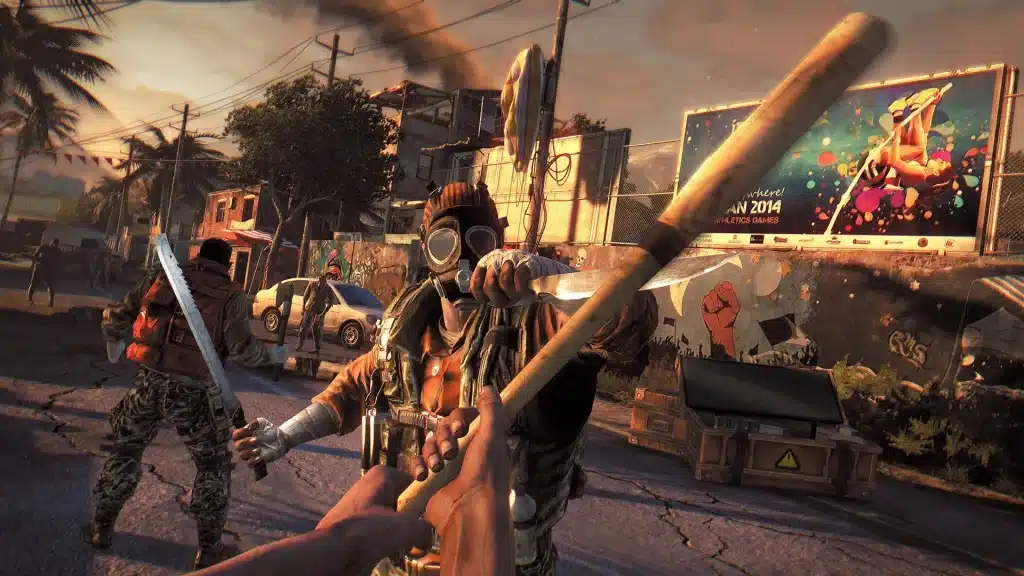
Combat in the game is visceral and intense. Players can wield melee weapons like bats, axes, and crowbars, or use firearms and explosives when necessary. Each swing, block, and strike feels weighty and impactful, creating a realistic and immersive combat experience. Customizable upgrades add even more depth.
Crafting and Customization
Crafting is at the core of survival in Harran. Players must gather materials to build weapons, traps, medkits, and other useful items. You can combine blueprints with scavenged parts to create unique tools, ensuring you’re always prepared for the unexpected. This system encourages creativity and resource management.
Immersive Multiplayer Co-op
Dying Light PC supports up to four-player cooperative gameplay. Friends can join you in story missions, looting runs, and nighttime survival challenges. Co-op adds teamwork, strategy, and fun, as you can revive one another, share loot, and coordinate against waves of infected.
Be the Zombie Mode
For those who love PvP, “Be the Zombie” mode flips the script by letting players control a powerful infected. As the hunter, you stalk human survivors at night, creating thrilling asymmetric battles. It adds replayability and competitive tension to the core game.
Expansions and Content Updates
Beyond the base game, expansions like The Following introduce entirely new regions, vehicles, missions, and enemies. Combined with frequent updates and community events, Dying Light PC offers countless hours of additional gameplay that keeps players coming back.
Atmospheric Sound and Visual Design
The game excels in creating a chilling atmosphere through its high-quality graphics and haunting audio. The sounds of distant screams, eerie music at night, and detailed environments immerse players fully in the post-apocalyptic horror. On PC, the visuals are sharper and more customizable.
Active Modding Community
One of the greatest advantages of Dying Light PC is its thriving modding scene. Players can download and install mods that add new weapons, improve graphics, or introduce custom missions. This extends the life of the game far beyond its original scope, ensuring there’s always something new to discover.
Massive Open-World Environment
Dying Light PC transports players to Harran, a sprawling city teeming with both danger and opportunity. Every district offers something unique—whether it’s abandoned buildings to scavenge, rooftops for safe travel, or alleyways that hide infected threats. The world feels alive and reacts to your actions, rewarding exploration and resourcefulness.
Dynamic Day and Night Cycle
One of the game’s standout mechanics is its real-time cycle. During the day, players can safely scavenge supplies, craft weapons, and complete missions with moderate zombie resistance. But when night falls, terrifying Volatiles emerge, making survival exponentially harder. This system forces players to adapt strategies and heightens the tension.
How to Download Dying Light on PC?
- Click the Download button on this page to safely get the latest PC build.
- Choose your platform (Windows recommended; Mac/Linux may also be available if listed).
- When prompted, Save the file to an easy location (e.g., Downloads or Desktop).
- If the file is a .zip (or .rar), right-click it and select Extract All… to a new folder.
- Open the extracted folder and double-click
Dying Light PC.exeto launch. - If Windows SmartScreen appears, click More info → Run anyway (only proceed if you downloaded from the button on this page).
- Optional: right-click the .exe and choose Create shortcut to pin it to Start/Desktop.
- In Options/Settings, set fullscreen/windowed, audio levels, and keybinds (WASD/Arrows).
- For future updates, return to this page and click the Download button again, then replace your old game folder with the new one.
System Requirements
| Specification | Minimum Requirements | Recommended Requirements |
|---|---|---|
| OS | Windows 7 64-bit | Windows 10 64-bit |
| Processor | Intel Core i5-2500 / AMD FX-8320 | Intel Core i7-4790 / AMD FX-9590 |
| RAM | 8 GB | 16 GB |
| Graphics | NVIDIA GTX 660 / AMD Radeon HD 7870 | NVIDIA GTX 970 / AMD R9 390 |
| Storage | 40 GB free space | 40 GB free space |
| DirectX | Version 11 | Version 11 |
How to Play Dying Light on PC?
Playing Dying Light on PC is both intuitive and immersive. Begin by familiarizing yourself with the keyboard and mouse controls. The WASD keys handle movement, while the mouse manages your vision, aiming, and attacking. Parkour actions like jumping, vaulting, and climbing are smooth and allow you to move freely across Harran’s rooftops and structures.
As you progress, mastering the combat system becomes essential. Use melee weapons crafted from scavenged resources, firearms, and environmental traps to outsmart enemies. Cooperative play with friends adds another dimension, letting you strategize and fight together. Whether you’re taking on missions, exploring at night, or hunting down rare loot, the PC version ensures fluid gameplay and an edge in survival.
Why Play Dying Light on PC?
One of the biggest advantages of playing Dying Light on PC is the superior performance. Enhanced graphics, higher resolutions, and smoother frame rates create an immersive visual experience. Additionally, keyboard and mouse controls offer precision for parkour and combat, while a larger display enhances situational awareness.
Playing on PC also eliminates concerns like battery drain and limited storage seen on consoles or laptops. With mod support, multitasking capabilities, and cross-platform features, PC gamers enjoy a richer, more flexible experience. It’s the best way to survive Harran’s horrors with full control and customization.
FAQs
Is Dying Light available for free on PC?
No, Dying Light is not free. However, you can find official sales or discounts on platforms like Steam, Epic Games Store, or authorized retailers. Always download from trusted sources.
Can I run Dying Light on a low-end PC?
Yes, but performance may be limited. The game requires at least 8 GB RAM and a mid-range GPU like GTX 660. For smoother gameplay, meeting recommended specs is advised.
Does Dying Light PC support multiplayer?
Absolutely. You can play cooperative multiplayer with up to three friends. There’s also a PvP “Be the Zombie” mode for competitive play.
Are mods safe to use in Dying Light PC?
Yes, as long as they are downloaded from trusted communities like Nexus Mods. Mods enhance gameplay but should be installed carefully to avoid conflicts.
Is Dying Light PC version better than console versions?
Yes, the PC version offers better graphics, mod support, customizable controls, and smoother performance, making it the preferred choice for many gamers.
Conclusion
Dying Light PC delivers the ultimate survival horror experience with its immersive world, dynamic parkour, terrifying zombies, and endless replayability. From enhanced visuals to modding opportunities, the PC version offers unmatched depth and flexibility. Don’t miss out on the definitive way to experience this iconic game. Click the Download button on this page to safely get started and step into the nightmare world of Harran today!